
Your files.
Your permissions. Your machine.
The model runs locally. Actions with consequences need clear permissions.
You set the boundary.
- Read and write inside the folder you choose.
- Visible diffs and changes you can undo.
- Always ask, auto or do not ask: choose the mode carefully.
- The Assistant always requests approval for each send.
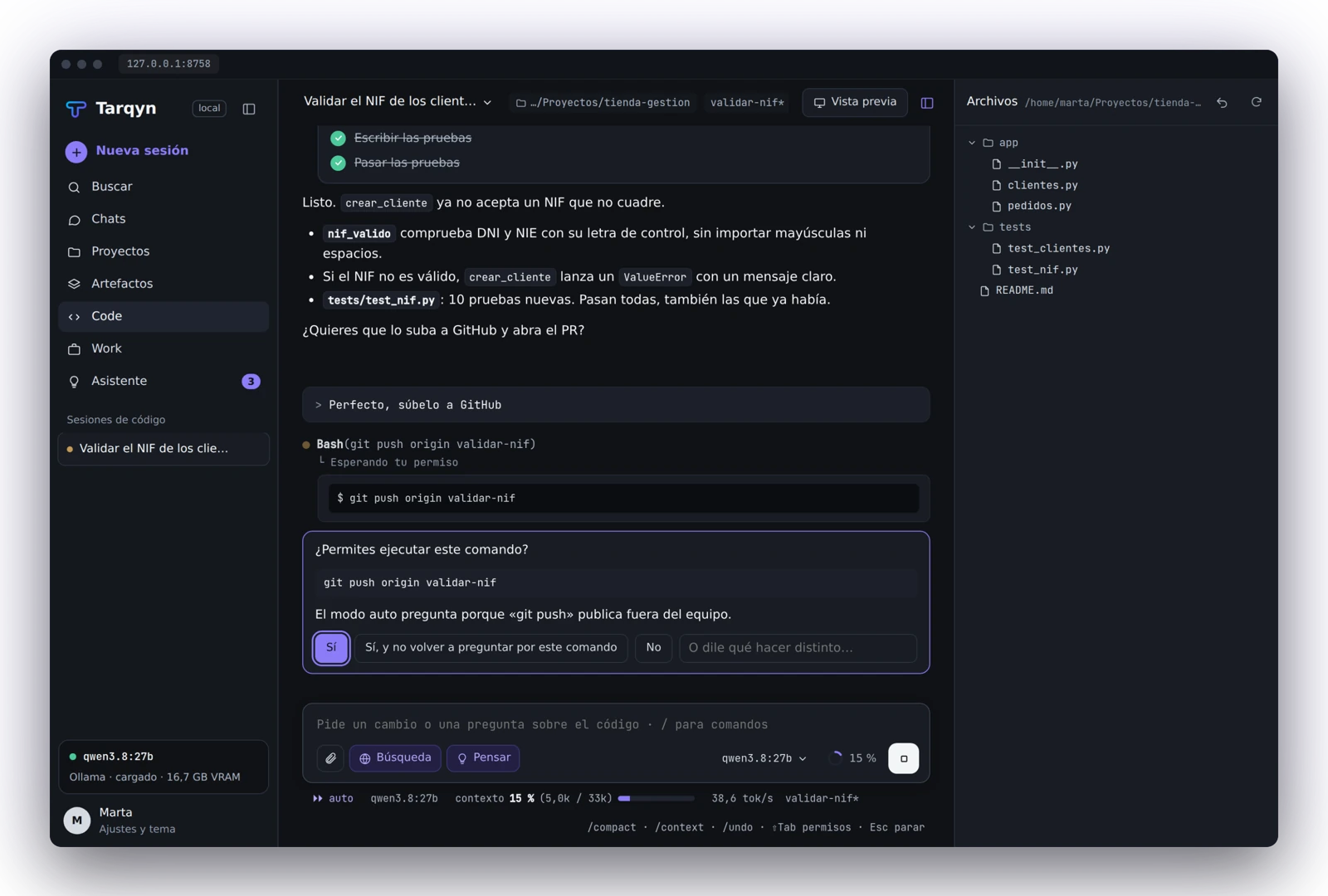
The model runs on your server.
At this initial stage, Tarqyn is offered exclusively on Tecology servers. The model, conversations and files are processed on the server configured for your team, with isolated per-user workspaces in Enterprise.
Online, when you request it.
Web searches and online connectors exchange data with their services. Configure them and review permissions according to what you want to share.
External content and keys.
Web pages, email and connectors are treated as third-party data. Keys are stored in the Windows credential vault. Generated pages are previewed in isolation.
Guard with Laya, optional.
A small model screens external content. If it detects hidden instructions or phishing, it warns you and requests permission for all actions again. Requires separate installation.
Check important results.
A local model can make mistakes. Review documents, code and email before using or sending them.