
Your day, ready at 7.
Email, calendar and drafts in classic Outlook on your PC. Nothing goes out without you.
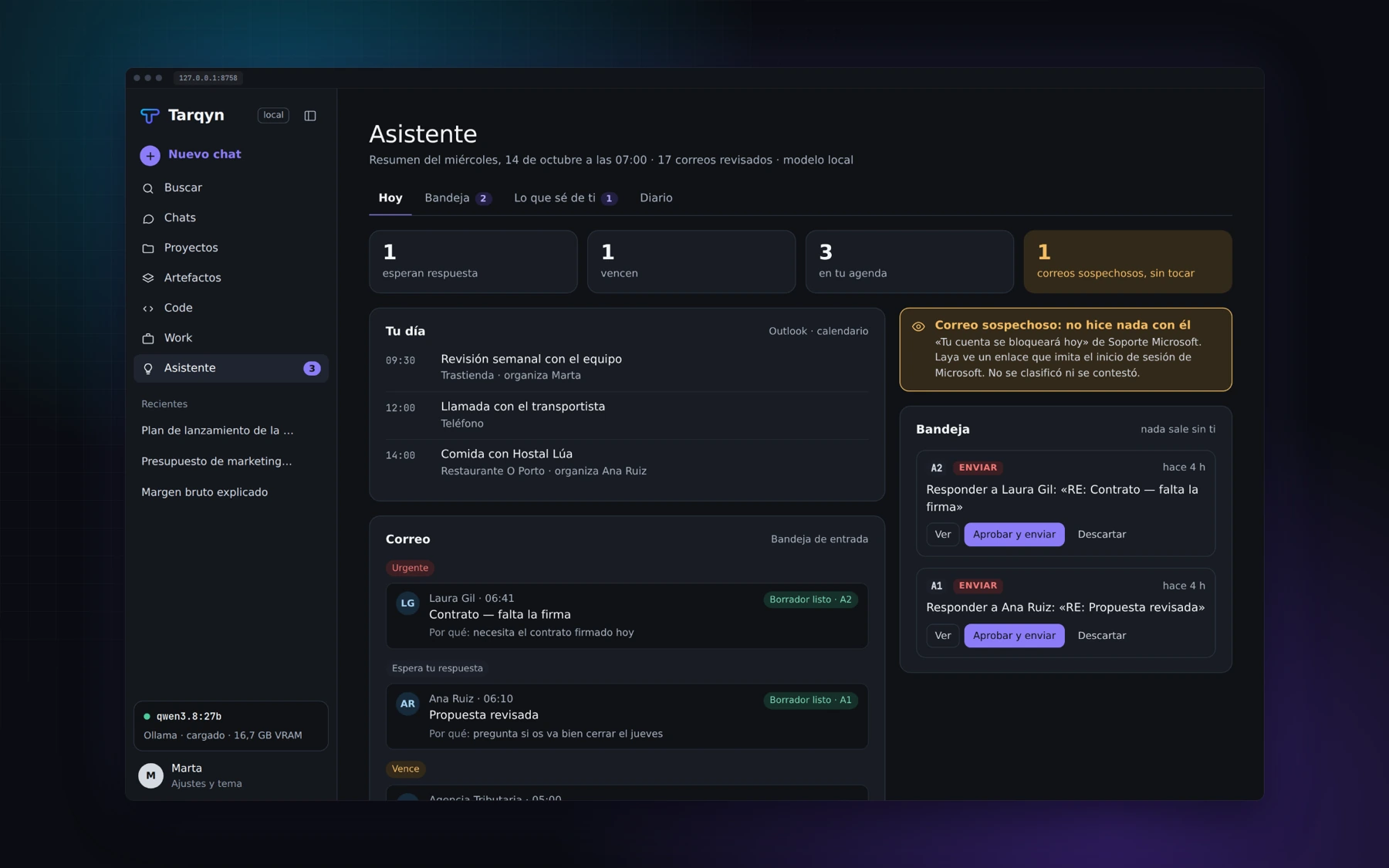
Urgent items first.
Groups new items into urgent, waiting for your reply, due and informational. Explains each group and prepares your briefing at your chosen time. If Tarqyn was closed, it runs when you open it.
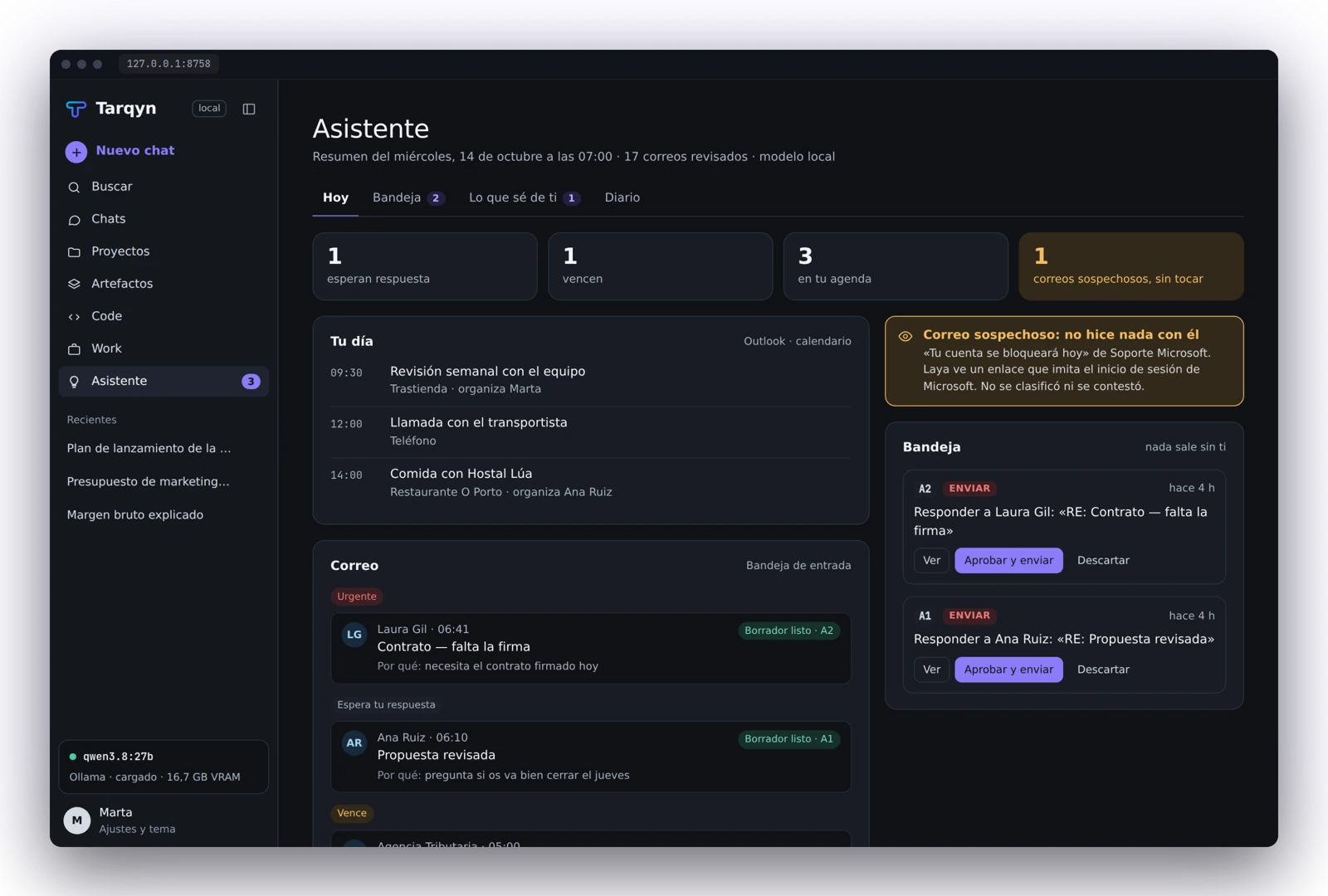
Approve exactly what you see.
Recipients, CC, BCC, subject, attachments and body. Before sending, it rereads the draft. If anything changed, it does not send and shows it to you again.
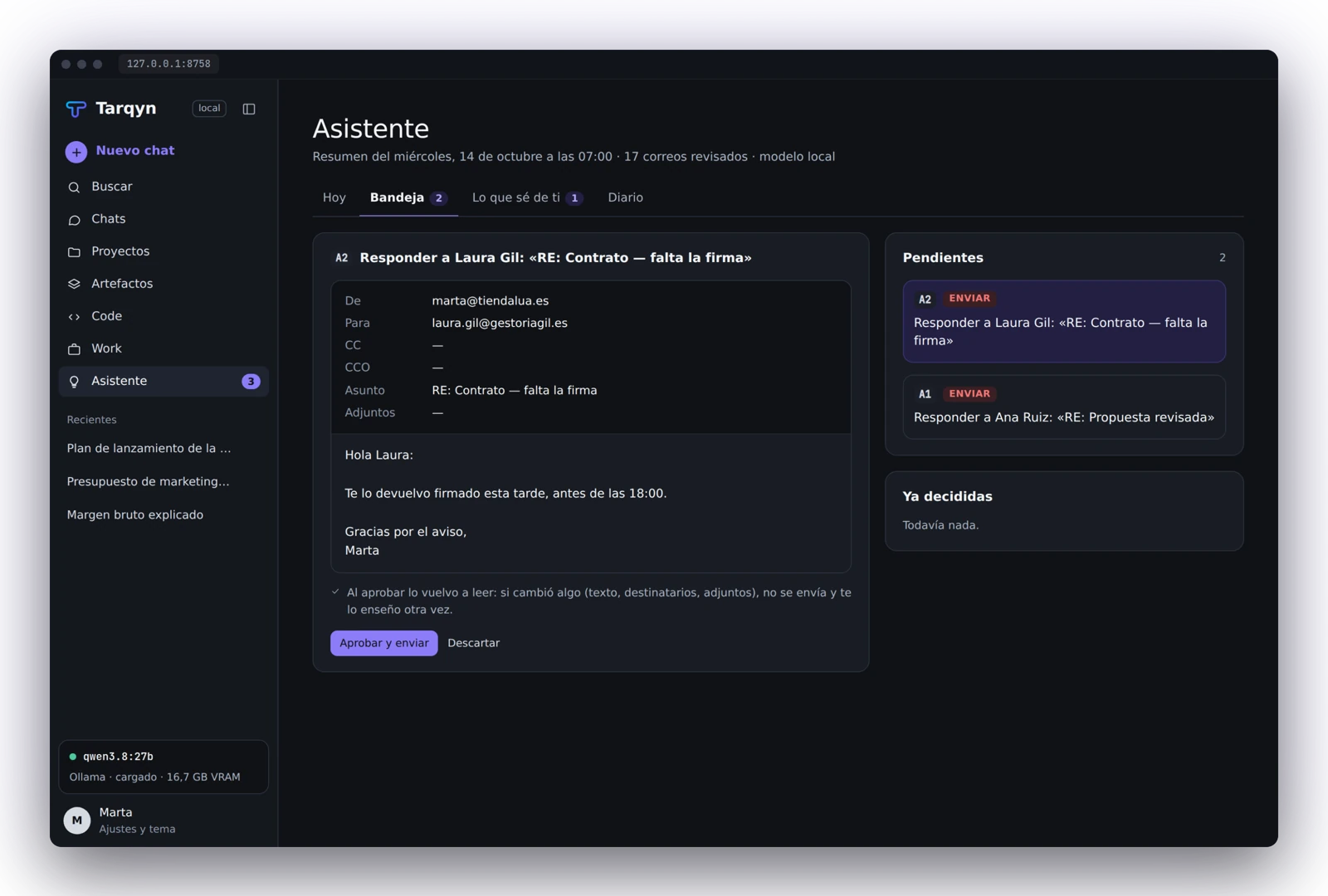
What it knows about you, under your control.
Preferences, people, commitments and goals: visible, editable and deletable. Anything inferred from an email remains a proposal until you accept it.
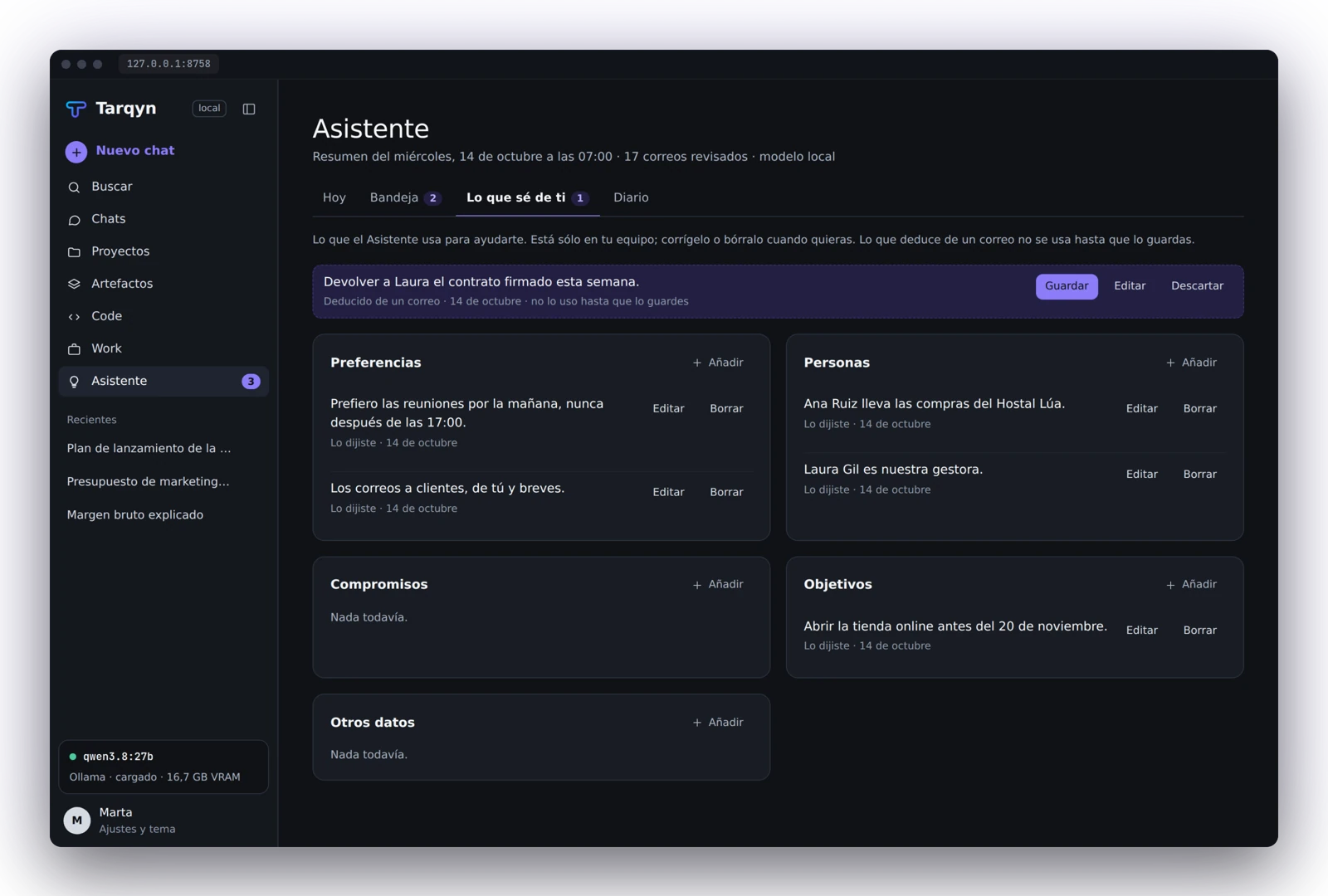
Autonomy has clear limits.
| Action | How it works |
|---|---|
| Read | Can do it on its own. |
| Prepare | On its own, but stays in the approval inbox. |
| Send | Only with your approval every time. |
| Pay or sign | Never. |
Suspicious email
Email detected as suspicious is flagged and withheld from the model. A journal records what the Assistant did.
Requirements
Windows and classic desktop Outlook. The new Outlook and Gmail are not yet supported.
Your next assistant,
on a Tecology server.
Tarqyn included free of charge. Let’s talk about what you want to do.